Found an old BlackBerry today…

BlackBerry was a pioneer in the smartphone industry, introducing the concept of an integrated email device in the early 2000s. The company’s devices became extremely popular among business professionals, who appreciated the ability to stay connected while on-the-go.

However, BlackBerry’s market dominance was short-lived. Despite the company’s early success, it struggled to keep up with the rapidly evolving smartphone market. Here are some of the key reasons why BlackBerry ultimately failed:

  1. Failure to innovate: BlackBerry was slow to innovate and failed to keep pace with the rapidly changing market. The company was slow to adopt touchscreen technology, which became the standard for smartphones, and instead stuck with physical keyboards. This made its devices less appealing to consumers who were looking for more advanced features and designs.
  2. Limited app ecosystem: BlackBerry had a limited app ecosystem compared to competitors like Apple and Google. Developers were less likely to create apps for BlackBerry devices due to the complexity of the platform, which made it more difficult to build and distribute apps.
  3. Lack of focus: BlackBerry’s lack of focus also contributed to its downfall. The company attempted to expand into other areas, such as tablets and smartwatches, but these efforts were largely unsuccessful. By spreading itself too thin, BlackBerry failed to maintain its core business.
  4. Strong competition: BlackBerry faced fierce competition from Apple and Android devices, which quickly took over the smartphone market. These competitors offered a wider range of features and more advanced technology, which made BlackBerry devices less appealing to consumers.
  5. Mismanagement: Finally, BlackBerry’s mismanagement was a significant factor in its failure. The company made several strategic mistakes, including the decision to delay the release of BlackBerry 10, which was meant to be a major overhaul of the platform. This delay allowed competitors to gain more ground and further erode BlackBerry’s market share.

Welcome home Teams

The first shirt I ever bought myself was a Slackware shirt. I was like 15 years old, and Slackware Linux was my obsession. I would come home from school everyday to try to make different features work. To this one, one of my proudest moments was making my sound driver work for the first time. Most people I talked to about this thought I was insane, they had windows, things just worked.

While I have grown an appreciation for the comforts of technology just working, I would not be where I am today if it was not for those learning curves I had in Slackware. I will always keep a Slackware machine around my house. Why am I ranting about this? Microsoft announced today that there is a Teams package for Linux released.

A lot of folks don’t realize how close Microsoft and Linux have become over the last 5 years. Recently when I was at the ignite conference, I spent a lot of time talking to Red hat (who was a sponsor at the event) about how these two companies and technologies have come together.


Mute in Teams

Waking up to a cool new feature, it looks like Microsoft default mutes people when they join meetings. That is nice feature. We need more ability to set some of these features in the conferencing policy for teams. I do think this is going in the right step though.


Nice feature to wake up to


.Teams

Thank you god for pinning

Pin channels that are important to you or that you want to access quickly. Pinning a channel moves it to the top of your channel list. You can also reorder your pinned channels to prioritize them. This only changes your view and won’t change views for the rest of your team.

Try it out for yourself: go to the channel of your choice, select More options  More options button >Pin. Or right click the channel name and select Pin.
So finally Microsoft has released the ability to pin various objects around the different screens in teams. This is a fantastic addition to the product and something we’ve heard about on the road map for some time.

Welcome whiteboard to Teams

home


Huge announcement that everyone can now use whiteboard and teams as long as you are an in the meeting. Trying it out this morning, it works pretty well.

The end of EAS Basic Auth

BasicAuth


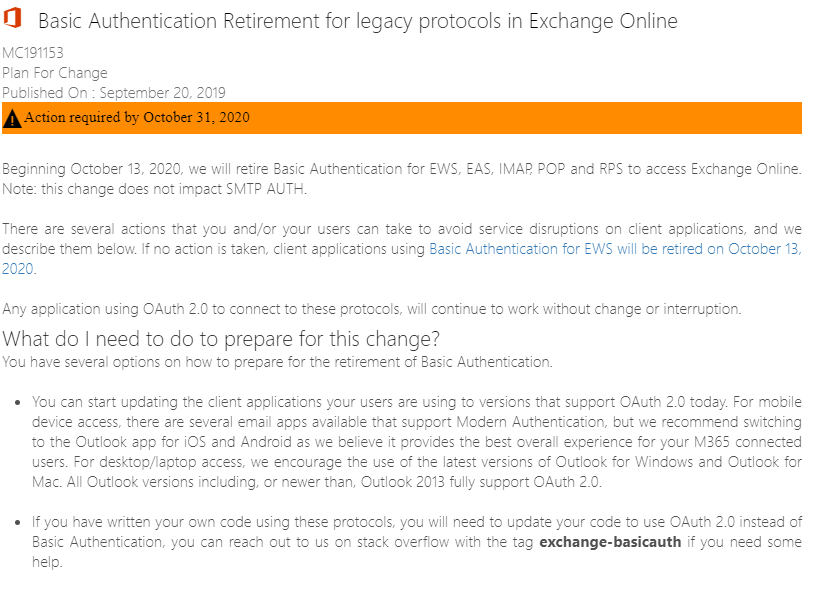
Well that changes things a bit doesn’t it?  So if you have set up basic auth with any MDM providers with your mobile clients, like native iOS mail.  You are in for a rude awakening.  It is time to move to modern authentication.  And its time to move now.

Wakelet Review, and teams integration

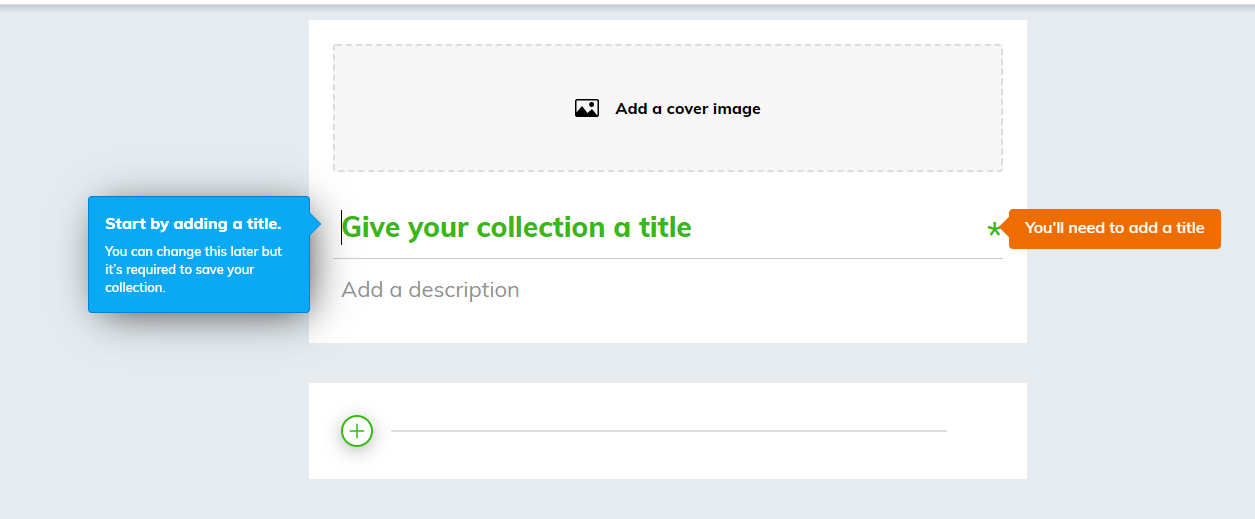
At first glance, I was really excited to see Wakelet. Waklet allows sharing content from across the web. Let’s show you around. It allows you to save everything in a central location that can easily be shared, viewed and consumed at a later time.  You start off by picking some categories of things you like, or what you do.


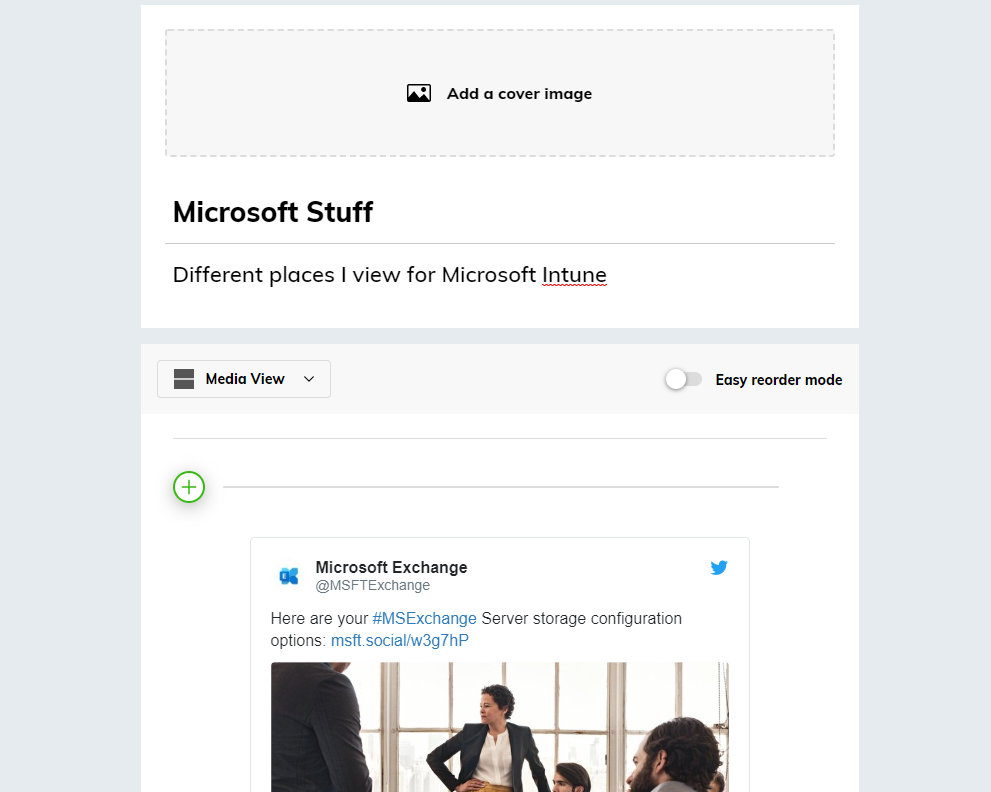
I’ve been building a few different pages that I can use to consume different content.  Where this tool becomes really powerful is when combine it with the education community.  It allows quick dissemination of information to students.  It also integrates really well with teams.


Overall, it is a really cool product.

WakeletWaketlet2

Scrum Master and a few thoughts

Scrum1


I guess just a few thoughts on the scrum master certification. I would like to start by saying that I think our trainer was fantastic.  I found his teaching style aligned perfectly with my learning style, which was a true treat.  I liked the group activities, and the group learning style.  His explanations made perfect sense to me, and the model seems to be a good fit for organizations.

The only thing about the course, I wish we had gotten more into the hybrid model.  I honestly do not believe that most companies can run true scrum.  I mean, no managers, no QA, full agile development.  This does not come off to me as realistic.  I’ve worked a lot of companies, I’ve consulted at hundreds more.  I just don’t see a full scum set up in the field.


Overall, I would recommend getting the certification, although the test wasn’t as hard as I would of hoped.

Reviewing updates for Teams

I really like the new reactions in teams.  Although, I am growing tired of the comparison to Slack.  Every time Microsoft drops a new feature in Teams, the pundits say the same thing “Slack already does that”


Well you know what slack doesn’t do?

PowerPoint, Word, Office, Email, single pane of glass work experience….but regardless


And finally from last month…..


Announcements. This is actually quite a cool feature that I think this is quite a cool feature that doesn’t get nearly enough usage.

An announcement-style message in a channel

How to archive a team correctly

  1. From Teams, select the manage icon in the lower left hand corner

    1. Teams1
  2. Select the team on the right hand side that you want to Archive

    teams2

Archiving is a great feature for searching for content later, at my firm one of the first problems with had with teams is retention, what type of controls do we have.  Be very careful with the delete team here.


More information on searching thru an archive.

To view and search through the content of the archived team, click its name in the Archived list. Or, make it a favorite if you think you’ll refer to it often (in the list, select the team, then More options More options button > Favorite).

All of the team activity is frozen once the team is archived. No one will be able to start new conversations or reply to posts in a channel, add or remove channels, edit team settings, or add apps. As a team owner, you’ll still be able to add or remove members, update roles, and delete, renew, or restore an archived team.